Key Takeaways
- Python is the top language for deep learning thanks to its simple syntax and huge library ecosystem.
- You only need Python, one framework like PyTorch or Keras, and a notebook to start.
- Every project follows the same loop: load data, build a model, train, evaluate and improve.
- Free cloud notebooks like Google Colab give you GPU access without buying hardware.
- Small projects, such as digit recognition, are the fastest way to learn.
You’ve read about neural networks, and now you want to build one. But where do you start? For most people, the answer is deep learning with Python. It’s the language behind nearly every major AI framework, tutorial and research project today.
The best part is that you don’t need expensive hardware or a math degree. With a free notebook and a few lines of code, you can train a real model in under an hour.
In this beginner’s guide, the cotrax.ai team shows you what to install, which libraries matter, and how to build your first neural network step by step.
Why Learn Deep Learning With Python?
Python is the most popular language for deep learning because it’s easy to read and has the biggest ecosystem of AI libraries, including PyTorch, TensorFlow and Keras. As a result, most courses, research code and job listings in this field expect Python skills.
Here are a few more reasons it wins:
- Simple syntax: you spend time on ideas, not on confusing code.
- Huge community: almost every error you hit has an answer online.
- Strong data tools: NumPy and pandas make data prep much easier.
- Career value: AI and data roles keep growing fast.
In fact, the US Bureau of Labor Statistics projects data scientist jobs to grow 35% from 2025 to 2035. New to the core ideas? Read our guide on what deep learning is first.
What You Need Before You Start
You only need a few basics. First, know core Python, such as variables, loops, functions and lists. Next, it helps to understand arrays and simple charts. Finally, a little high-school math goes a long way, although frameworks do the heavy lifting.
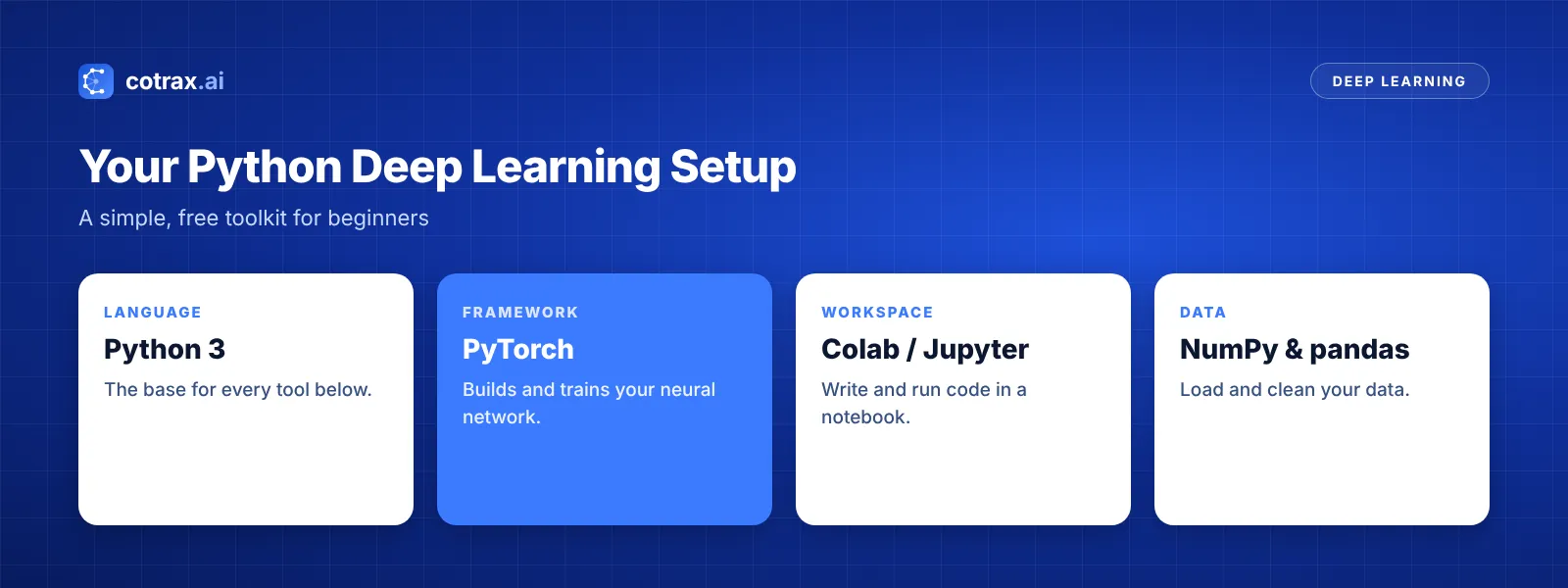
Pick your tools
- Python 3: install it, or skip the setup by using a cloud notebook.
- A framework: PyTorch or Keras are the friendliest options.
- A notebook: Google Colab runs in your browser and offers free GPU time within limits.
- Data libraries: NumPy, pandas and Matplotlib.
For a deeper look at each library, see our list of the best Python libraries for machine learning. Also, compare frameworks in our guide to the best deep learning tools.
Want a hand setting up your first AI project?
Tell the cotrax team what you want to build, and we’ll suggest a simple starting stack.
The Deep Learning Workflow in Python
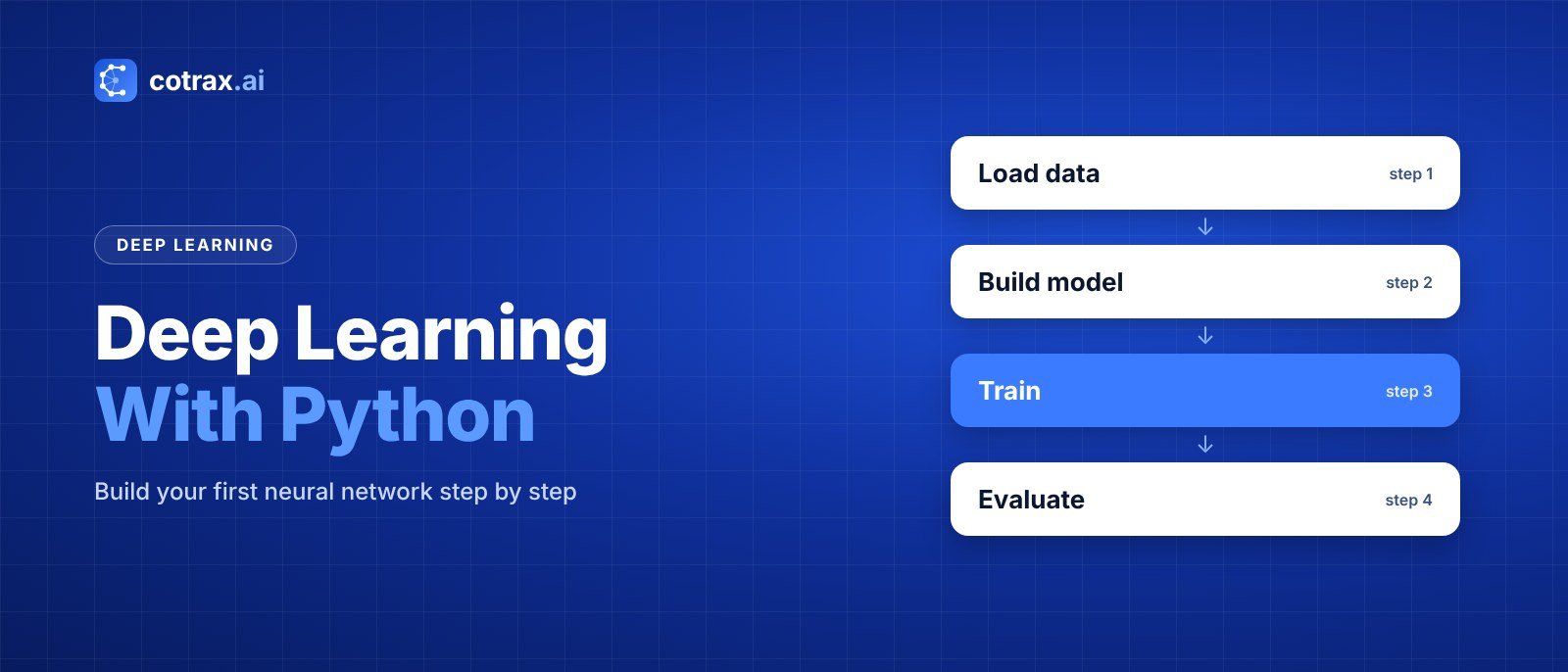
Almost every project follows the same five steps. Once you learn this loop, you can apply it to images, text or sound.
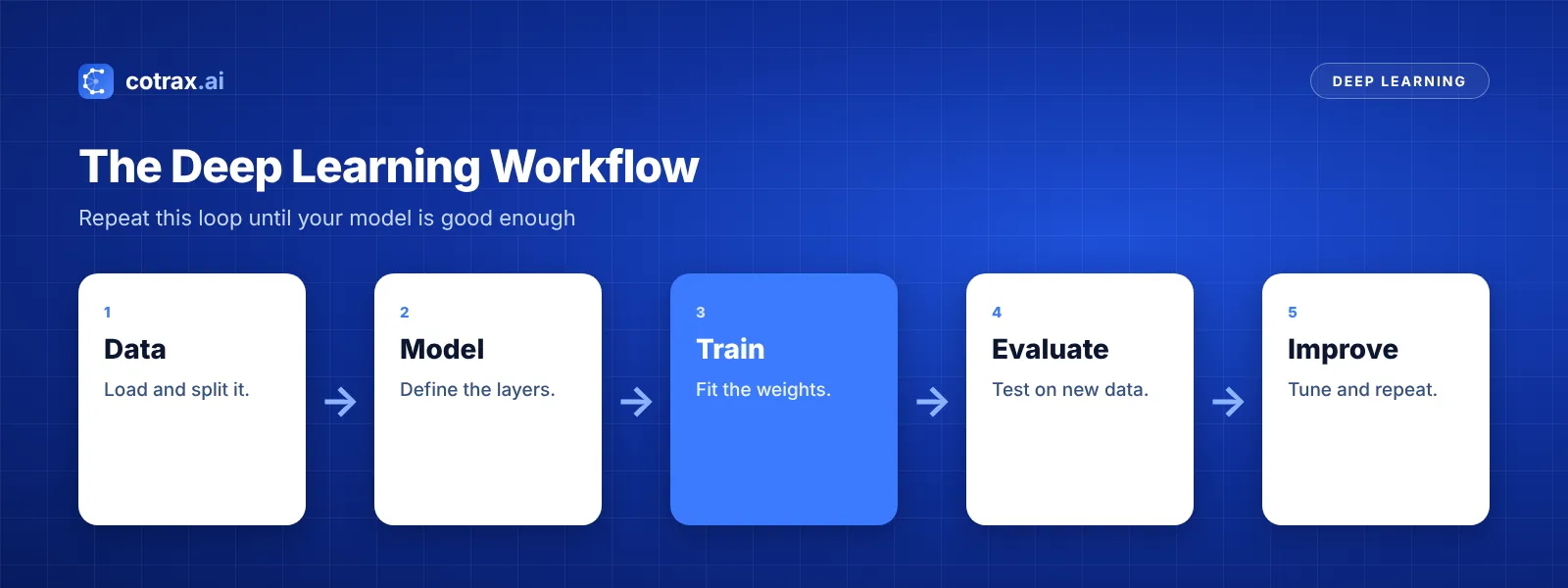
- Load the data: bring it in and split it into training and test sets.
- Build the model: choose your layers and how they connect.
- Train it: show the model examples so it can adjust its weights.
- Evaluate it: check accuracy on data the model has never seen.
- Improve it: tune settings, add data, and then repeat.
Build Your First Neural Network in Python
Let’s build a model that reads handwritten digits from the classic MNIST dataset. The code below uses PyTorch and runs fine in Google Colab.
Step 1: Load the data
import torch
from torch import nn
from torchvision import datasets, transforms

tf = transforms.ToTensor()
train = datasets.MNIST("data", train=True, download=True, transform=tf)
test = datasets.MNIST("data", train=False, download=True, transform=tf)
train_dl = torch.utils.data.DataLoader(train, batch_size=64, shuffle=True)
test_dl = torch.utils.data.DataLoader(test, batch_size=256)
Step 2: Build the model
model = nn.Sequential(
    nn.Flatten(),
    nn.Linear(28 * 28, 128),
    nn.ReLU(),
    nn.Linear(128, 10)
)
This small network has one hidden layer with 128 neurons. The final layer outputs a score for each digit from 0 to 9.
Step 3: Train it
loss_fn = nn.CrossEntropyLoss()
opt = torch.optim.Adam(model.parameters(), lr=1e-3)

for epoch in range(3):
    for x, y in train_dl:
        opt.zero_grad()
        loss = loss_fn(model(x), y)
        loss.backward()
        opt.step()
Each pass compares the model’s guesses with the right answers. Then loss.backward() works out how to adjust each weight, and the optimizer makes the change.
Step 4: Evaluate it
correct = 0
with torch.no_grad():
    for x, y in test_dl:
        correct += (model(x).argmax(1) == y).sum().item()
print("Accuracy:", correct / len(test))
A simple network like this usually reaches around 97% accuracy after a few epochs. Not bad for about 30 lines of code!
Your first model doesn’t need to be clever. It needs to run end to end. Once it does, every improvement becomes a small, clear step.
cotrax.ai Editorial Team
Get practical AI guides every week
Join the cotrax newsletter for simple, no-jargon Python and AI lessons.
Common Beginner Mistakes to Avoid
- Skipping the test set: always check results on data the model hasn’t seen.
- Training too long: the model may memorize data instead of learning patterns.
- Ignoring data quality: messy labels lead to messy predictions.
- Starting too big: begin with small models and small datasets.
- Not using pretrained models: fine-tuning often beats training from scratch.
How to Improve Your Python Deep Learning Model
Your first model works. Now, how do you make it better? Luckily, a few simple changes usually bring big gains.
Tune the learning rate
The learning rate controls how big each weight update is. If it’s too high, training jumps around. On the other hand, if it’s too low, training crawls. So try a few values, such as 0.01, 0.001 and 0.0001, and compare the results.
Add more layers or neurons
A bigger network can learn richer patterns. However, it can also memorize the training data. Therefore, grow the model slowly and always watch your test accuracy.
Use the right model for the data
For images, a convolutional layer usually beats plain linear layers. For example, swapping in two small nn.Conv2d layers can push MNIST accuracy close to 99%.
Use a GPU
Training on a GPU can be many times faster. In Colab, simply switch the runtime type to GPU. Then move your model and data with .to("cuda").
Track your experiments
Finally, write down each change and its result. Even a simple spreadsheet helps. As your projects grow, tools like Weights & Biases or MLflow make this much easier.
What to Learn Next
Once your first model works, grow your skills step by step. For example, try a convolutional network on photos, or fine-tune a small language model from Hugging Face. Then explore the main deep learning models to see which one fits each task.
Conclusion
Deep learning with Python is easier to start than most people think. Install a framework, open a notebook, and follow the five-step loop: load, build, train, evaluate and improve.
Your first digit classifier will teach you more than hours of theory. After that, move on to images, text and pretrained models, one small project at a time.
For more beginner-friendly AI guides, keep exploring cotrax.ai, or reach out if you want help with a real project.
Build smarter with AI
Share your idea with the cotrax team and get a clear, simple plan to start.
Sources
- PyTorch official site
- Hugging Face Transformers documentation
- US Bureau of Labor Statistics: Data Scientists
Frequently asked questions
Is Python good for deep learning?
How long does it take to learn deep learning with Python?
Should I learn PyTorch or TensorFlow first?
Do I need math for deep learning with Python?
What is a good first deep learning project in Python?
Want more guides like this?
Get clear, practical AI explainers from Cotrax AI in your inbox every Friday.