Key Takeaways
- MLflow is a free, open-source platform for managing the machine learning lifecycle.
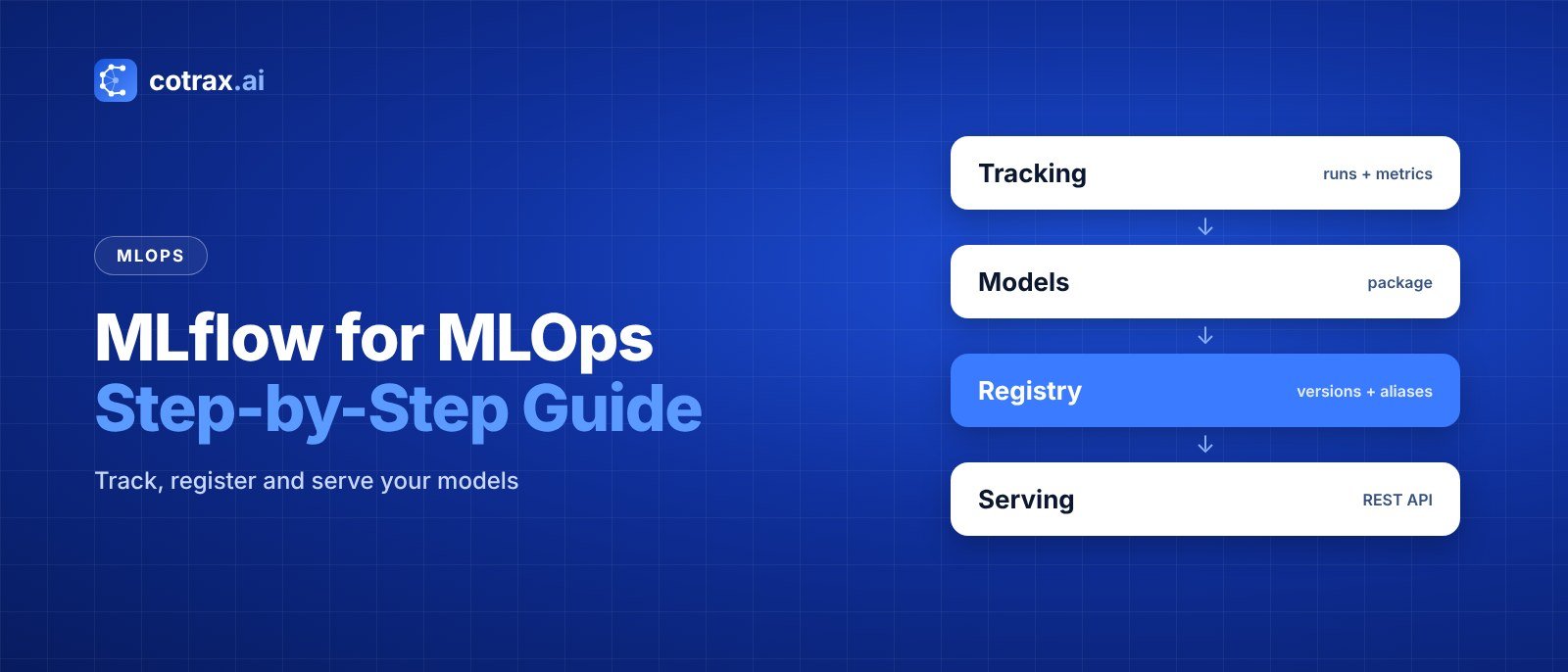
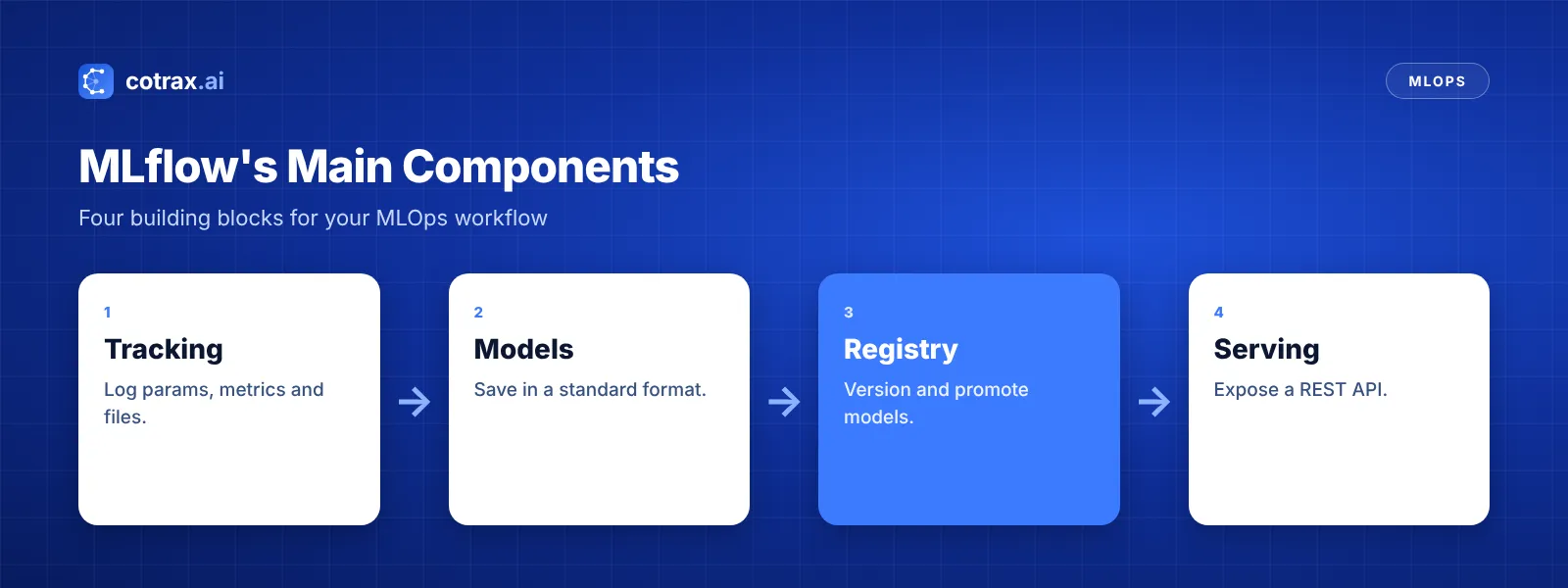
- Its core parts are Tracking, Models, the Model Registry and serving tools.
- With autologging, you can track parameters, metrics and models with one line of code.
- The Model Registry lets you version models and control which one is live.
- MLflow works with scikit-learn, PyTorch, TensorFlow, XGBoost and major cloud platforms.
Which settings produced your best model last month? Which dataset did it use? And which version is running in production right now? If you can’t answer quickly, you’re not alone. That’s exactly the problem MLflow for MLOps solves.
MLflow is a free, open-source tool that keeps your machine learning work organized. As a result, experiments become easy to compare, models become easy to ship, and nothing gets lost.
In this step-by-step guide, the cotrax.ai team shows you how to install MLflow, track experiments, register models, serve them as APIs, and fit it all into a real MLOps workflow.
What Is MLflow?
MLflow is an open-source platform for managing the machine learning lifecycle, including experiment tracking, model packaging, model versioning and deployment. It works with almost any ML library, and you can run it on a laptop, a server or inside cloud platforms.
Databricks created MLflow in 2018, and it has since become one of the most popular MLOps tools. For a broader view of the tool landscape, see our guide to the best MLOps tools.
Why Use MLflow for MLOps?
MLOps is about making ML reliable and repeatable. If you’re new to the idea, read our guide on what MLOps is. MLflow helps in several ways:
- Reproducibility: every run records its code version, settings and results.
- Easy comparison: a web UI shows all runs side by side.
- Version control for models: the registry tracks every model version.
- Simple deployment: models can be served as REST APIs with one command.
- Works everywhere: scikit-learn, PyTorch, TensorFlow, XGBoost and more.
MLflow’s Main Components
MLflow Tracking
Tracking logs parameters, metrics, files and models for every training run. Then you can compare runs in the MLflow UI.
MLflow Models
This component saves models in a standard format, often called a “flavor.” So the same model can later be loaded in Python, served as an API or deployed to the cloud.
MLflow Model Registry
The registry stores model versions in one central place. In addition, you can assign aliases, like “champion,” to mark which version should run in production.
Serving and deployment
Finally, MLflow can serve a registered model as a REST API locally or build a Docker image for deployment.
Want help setting up MLflow for your team?
Tell the cotrax team about your models and stack, and we’ll suggest a simple setup.
Step 1: Install MLflow and Open the UI
First, install MLflow with pip. Then start the tracking UI:
pip install mlflow scikit-learn
mlflow ui
Next, open http://127.0.0.1:5000 in your browser. You’ll see an empty experiments page, ready for your first run.
Step 2: Track an Experiment
Now let’s train a model and log everything. The easiest way is autologging:
import mlflow
from sklearn.datasets import load_breast_cancer
from sklearn.ensemble import RandomForestClassifier
from sklearn.model_selection import train_test_split

mlflow.set_experiment("cancer-classifier")
mlflow.sklearn.autolog()

X, y = load_breast_cancer(return_X_y=True)
X_train, X_test, y_train, y_test = train_test_split(X, y, random_state=42)

with mlflow.start_run():
    model = RandomForestClassifier(n_estimators=200, max_depth=6)
    model.fit(X_train, y_train)
    mlflow.log_metric("test_accuracy", model.score(X_test, y_test))
With autologging, MLflow records the model’s settings, training metrics and the model file automatically. Meanwhile, log_metric adds your own test score.
Compare runs
Try a few different max_depth values and run the script again. Then refresh the UI. As a result, you’ll see every run in a table, and you can sort by accuracy or chart the results. This is also a great way to spot overfitting, because you can compare training and test scores.
Step 3: Register Your Best Model
Once you find the best run, add it to the Model Registry. You can do this in the UI or with code:
run_id = "your_best_run_id"
mlflow.register_model(f"runs:/{run_id}/model", "cancer-classifier")
Each time you register again, MLflow creates a new version. Then you can assign the alias champion to the version you trust most.
Step 4: Serve the Model as an API
Now serve the champion model with a single command:
mlflow models serve -m "models:/cancer-classifier@champion" -p 5001Your model is now a REST API. So any app can send data and get predictions back. For production, you can also build a Docker image with mlflow models build-docker.
If it isn’t logged, it didn’t happen. MLflow makes logging so easy that there’s no excuse to skip it.
cotrax.ai Editorial Team
Get practical AI guides every week
Join the cotrax newsletter for simple, no-jargon lessons on MLOps and AI.
Step 5: Fit MLflow Into Your MLOps Workflow
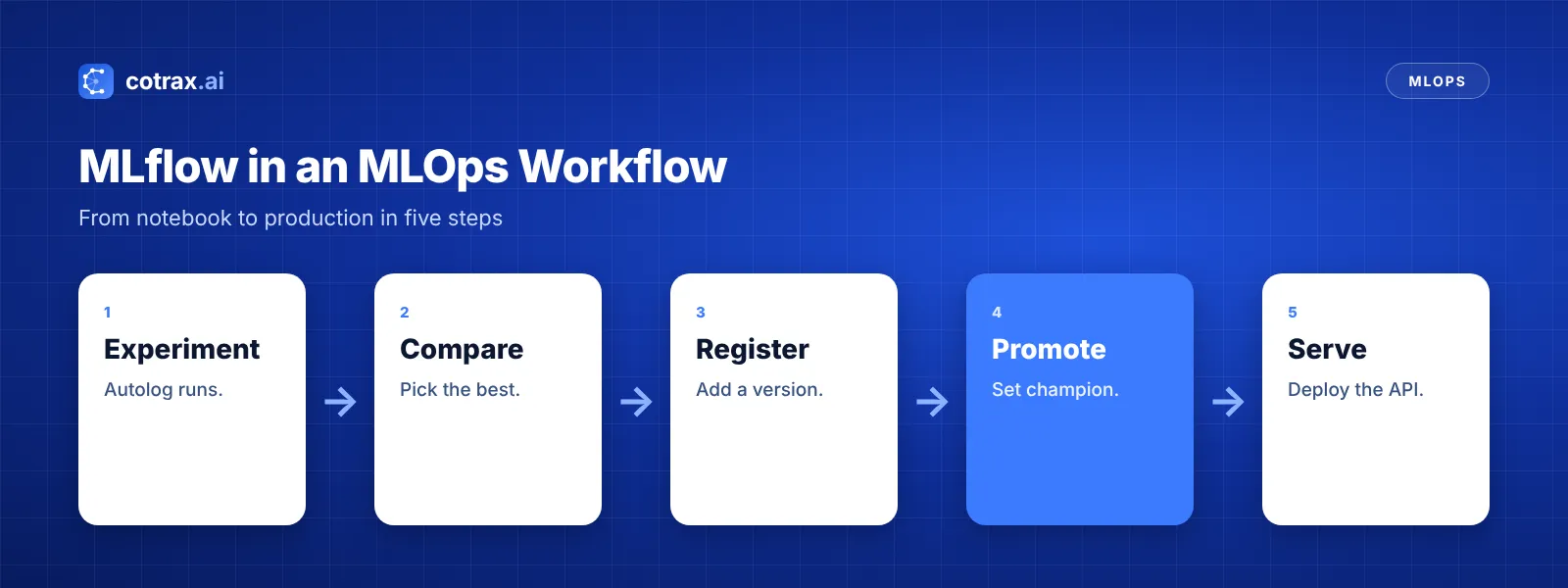
MLflow becomes even more powerful when it connects to the rest of your stack:
- CI/CD: run training in GitHub Actions and register models automatically.
- Pipelines: call MLflow from Airflow, Kubeflow or ZenML steps.
- Data versioning: pair MLflow with DVC so every run links to its dataset.
- Monitoring: watch the served model with a tool like Evidently.
- Cloud: use managed MLflow in Databricks, Azure ML or SageMaker.
MLflow Best Practices
- Use a shared tracking server so the whole team sees every run.
- Name experiments clearly, for example by project and goal.
- Log your test metrics, not just training metrics.
- Use aliases, not hard-coded versions, in your serving code.
- Add tags for dataset version, owner and ticket number.
- Store artifacts in the cloud, such as S3, for durability.
These habits are core skills for anyone in an MLOps engineer role. For full details, check the official MLflow documentation.
Conclusion
MLflow for MLOps gives your team one place to track experiments, version models and serve them. Start with autologging, compare runs in the UI, and register your best model. Then serve it with one command.
From there, connect MLflow to CI/CD, pipelines and monitoring, and you’ll have a solid MLOps foundation. Best of all, it’s free to start.
For more practical AI guides, keep exploring cotrax.ai.
Build smarter with AI
Share your idea with the cotrax team and get a clear, simple plan to start.
Sources
Frequently asked questions
What is MLflow used for in MLOps?
Is MLflow free?
What is the MLflow Model Registry?
Is MLflow better than Kubeflow?
Can MLflow be used with deep learning?
Want more guides like this?
Get clear, practical AI explainers from Cotrax AI in your inbox every Friday.