
Key Takeaways
- AI text often has a flat tone, repeated phrases, and very even sentence lengths.
- AI detectors give a probability score, not proof. Always check by hand too.
- An AI grammar fixer corrects spelling, grammar, and flow in seconds.
- The best writing uses AI as a helper, then adds a real human voice.
- cotrax.ai AI agents can help you draft, review, and edit content faster.
Is this text AI generated? It’s a question teachers, editors, and business owners ask every day. AI writing tools are everywhere, and their output can look a lot like human writing.
The good news is that you can often spot the signs. And if your own writing sounds stiff or robotic, an AI grammar fixer can help you clean it up.
In this cotrax.ai guide, we cover both: how to check text, and how to polish it.
How to Tell If Text Is AI Generated
AI models write by predicting the most likely next word. That makes their text smooth, but it also leaves clues. Here are the most common ones.
1. Same Sentence Rhythm
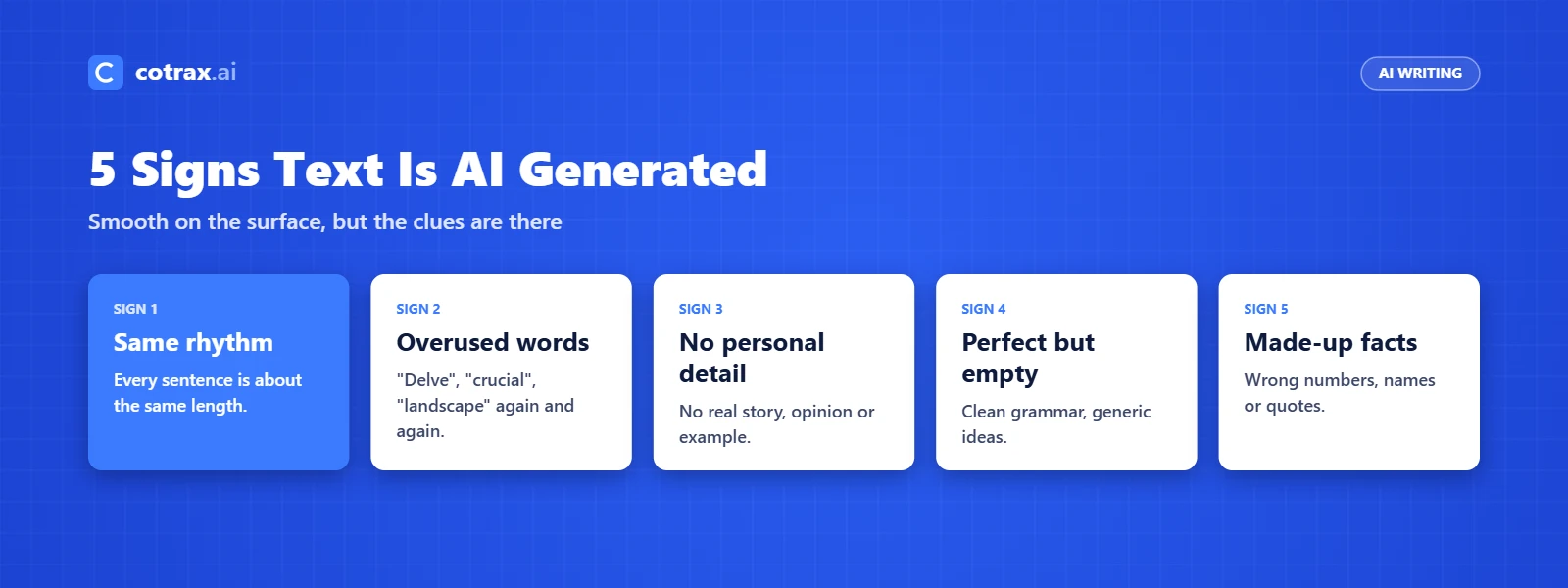
Humans mix short and long sentences. AI text, however, often keeps every sentence about the same length, which feels flat when you read it aloud.
2. Overused Words and Phrases
Watch for words like “delve,” “crucial,” “landscape,” and “in today’s fast-paced world.” One is fine. A page full of them is a red flag.
3. No Personal Detail
AI rarely shares a real story, a strong opinion, or a specific example. As a result, the text says a lot but commits to very little.
4. Perfect but Empty
The grammar is clean, but the ideas are generic. If you can’t find one fresh point, the text may be AI generated.
5. Wrong or Made-Up Facts
AI can state false facts with full confidence. So, check any numbers, names, or quotes against a trusted source.
Best Ways to Check AI Text
No single test is perfect, so use more than one.
- Use an AI detector: Tools like GPTZero, Copyleaks, and Originality.ai give a score that shows how likely the text is AI written.
- Read it aloud: Robotic rhythm is easier to hear than to see.
- Check the facts: Made-up details are one of the strongest signs of AI text.
- Ask the writer: A quick question about their process often clears things up.
“An AI detector tells you what is likely, not what is true. Use it to start a review, never to end one.”
cotrax.ai Editorial Team
Also, detectors can flag human writing by mistake, especially from non-native English writers. Treat the score as a hint, not a verdict. Learn more about how language models work in our natural language processing guides.
What Is an AI Grammar Fixer?
An AI grammar fixer is a tool that finds and corrects mistakes in your writing. It goes beyond a basic spell check by looking at the full sentence and its meaning.
Most AI grammar fixers can:
- Fix spelling, punctuation, and grammar errors
- Rewrite clunky sentences so they read smoothly
- Suggest clearer words and a better tone
- Shorten long, wordy paragraphs
Popular options include Grammarly, QuillBot, and LanguageTool. You can also paste text into a chatbot and ask it to fix the grammar. Explore more options in our AI tools category.
Want cleaner content in less time?
See how a cotrax.ai agent can help your team write and edit better.
How to Use an AI Grammar Fixer the Right Way
A grammar fixer makes writing cleaner. Used badly, though, it can also make your writing sound more like AI. Follow these steps to keep your voice.
- Write the first draft yourself. Your ideas and stories are what make the text human.
- Fix errors, not your style. Accept spelling and grammar fixes. Think twice before accepting full rewrites.
- Keep your own words. If a suggestion swaps a simple word for a fancy one, skip it.
- Read the final version aloud. Make sure it still sounds like you.
- Check facts last. A grammar tool won’t catch a wrong number or name.
AI Detector vs AI Grammar Fixer: Side-by-Side
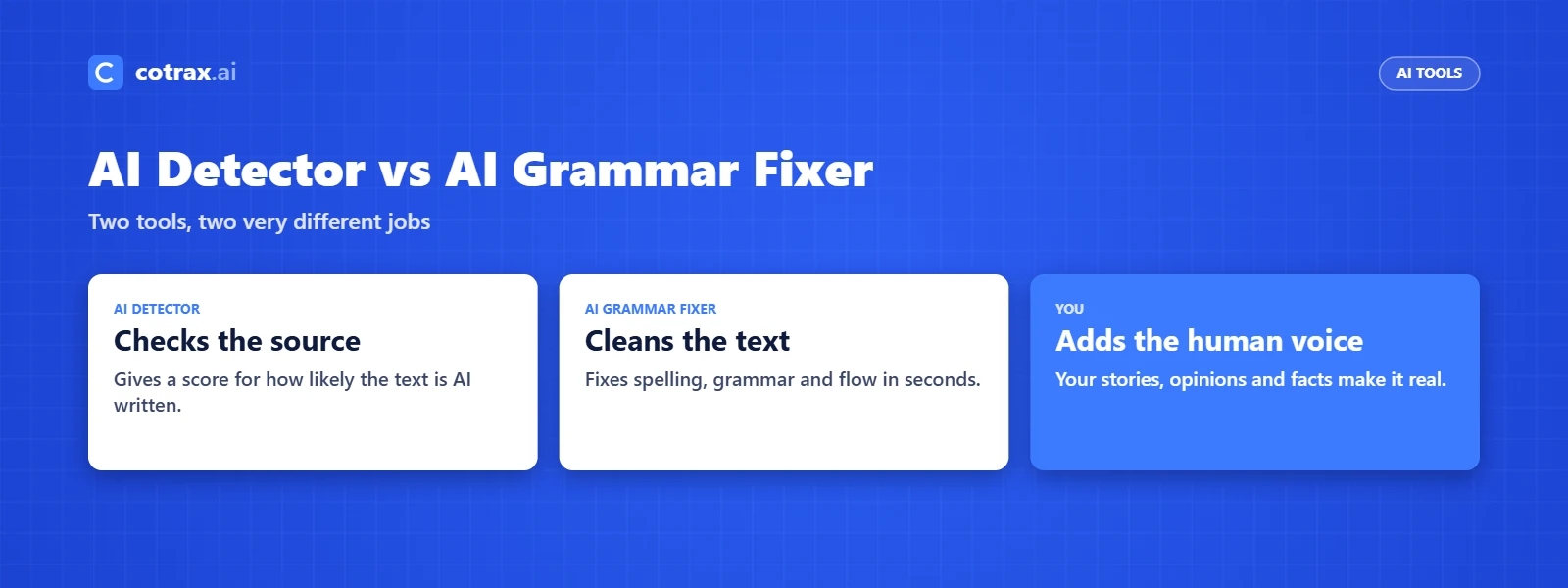
These two tools are often mixed up, but they do very different jobs.
| Feature | AI Detector | AI Grammar Fixer |
|---|---|---|
| Main goal | Checks if text is AI generated | Fixes errors and improves flow |
| What you get | A likelihood score | Corrected, cleaner text |
| Who uses it | Teachers, editors, publishers | Writers, students, marketers |
| Example tools | GPTZero, Copyleaks, Originality.ai | Grammarly, QuillBot, LanguageTool |
| Main limit | Can flag human text by mistake | Can make text sound generic |
Where Does cotrax.ai Fit?
Checking and fixing text one page at a time takes hours. Instead, cotrax.ai AI agents can speed up the whole content process while you stay in charge.
- Draft faster: Get a solid first draft, then add your own stories and voice.
- Review at scale: Let an agent check grammar, tone, and facts across many pages.
- Keep quality high: You set the rules for style and brand voice. The agent follows them.
Conclusion
So, is this text AI generated? Look for flat rhythm, overused phrases, missing personal detail, and shaky facts. Then confirm with an AI detector, but never trust the score alone.
An AI grammar fixer is a great helper for clean writing. Use it to fix mistakes, not to replace your voice. In the end, the best content blends AI speed with a real human touch.
Build smarter with AI.
Put a cotrax.ai agent to work on your content.
Sources
Frequently asked questions
How can I tell if a text is AI generated?
Are AI detectors accurate?
What is the best AI grammar fixer?
Does using a grammar fixer make text AI generated?
Can cotrax.ai help with content writing?
Want more guides like this?
Get clear, practical AI explainers from Cotrax AI in your inbox every Friday.